
The ENT of La Rochelle University consolidates messaging, Moodle, the timetable, and administrative procedures into a single portal. Since the start of the 2024 academic year, remote access has changed: the university has strengthened its cybersecurity requirements, and several layers of authentication have been added. Knowing how to log in is no longer enough; one must understand what happens between the browser and the CAS server to avoid recurring blocks.
Multifactor Authentication on the ENT La Rochelle: What Has Changed Since 2024
La Rochelle University has generalized multifactor authentication (MFA) for remote access to sensitive services. Messaging, administrative files, and the payment of temporary staff are affected. The principle: after entering the university ID and password on the CAS (Central Authentication Service), a second verification is required.
This two-factor authentication typically occurs through a temporary code generator app installed on the user’s phone. The code changes approximately every thirty seconds, making any attempt to reuse an old code futile.
For students who connect only from the campus via the eduroam Wi-Fi, MFA may not trigger systematically. However, from a home network or a mobile hotspot, two-factor authentication is almost systematic. This is the primary source of confusion reported by users trying to access the ENT La Rochelle from home without having activated MFA beforehand.
Activation is done from the security settings of the university account, accessible via the digital services page. Without this prior step, the connection fails without an explicit error message, leading one to believe there is a password issue when the problem lies elsewhere.
ENT La Rochelle Connection from a Home Network: Points of Friction
The ENT portal uses the CAS protocol, which relies on session cookies and redirects between several subdomains (authentification.univ-lr.fr, entfront.univ-lr.fr, moodle.univ-lr.fr). Three technical factors cause the majority of connection failures at home.
Cookies and Restrictive Browsers
Recent browsers block third-party cookies by default. The university’s CAS uses redirects between subdomains that can be interpreted as tracking. If the browser refuses these cookies, the session does not persist, and the user is sent back to the login page in a loop.
The most reliable solution: use the browser in standard mode with cookies enabled for the domain univ-lr.fr. Ad-blocking extensions can also interfere with the authentication process.
Cache and Expired Sessions
Another common pitfall concerns expired sessions stored in the cache. After an incomplete logout (closing the tab without clicking “Log out”), the browser retains an invalid session cookie. Upon the next login, the CAS attempts to reuse this expired session and fails silently. Clearing the cache or using a private browsing window resolves the issue in most cases.
VPN and Network Filtering
Some internet service providers or routers configured in “parental control” mode filter multiple HTTPS redirects. The CAS authentication process involves several successive redirects, and overly strict filtering can interrupt them. Temporarily disabling the parental control on the router allows checking if the problem originates from there.
FranceConnect+ and ENT La Rochelle: Two Distinct Accesses Not to Be Confused
La Rochelle University has integrated FranceConnect+ via La Poste Digital Identity for certain administrative procedures: scholarships, CVEC, student life. This national authentication allows switching from one administrative portal to another without re-entering credentials.
The frequent confusion: FranceConnect+ does not provide access to the ENT itself. The two systems coexist without a direct bridge. A student who logs in via FranceConnect+ to pay their CVEC will not be automatically authenticated on the ENT to consult Moodle or their messaging.
The credentials are different. FranceConnect+ relies on civil identity (social security number, La Poste identity), while the ENT uses the university ID assigned during enrollment. Mixing the two credentials is the second cause of blockage after the absence of MFA.
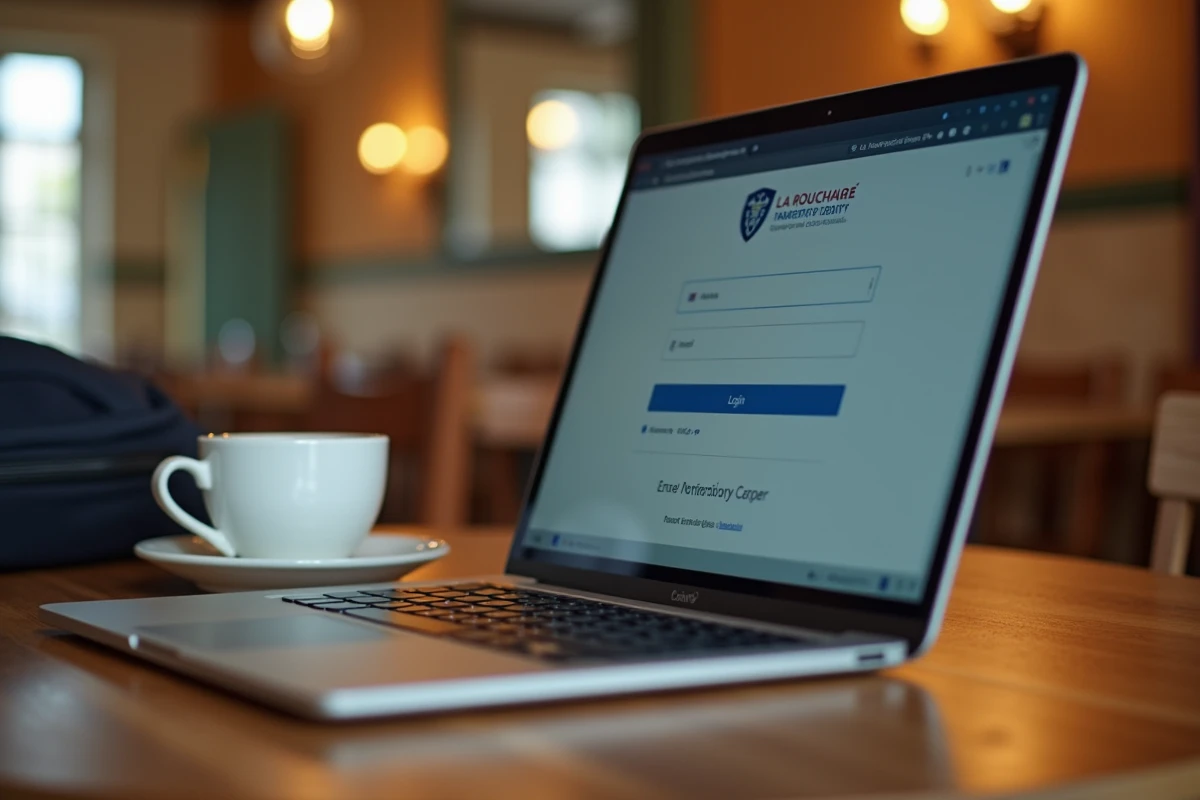
Accessing Documentary Resources from Home Without VPN
An often-overlooked aspect: access to licensed scientific databases and journals does not always require a VPN. Since 2024, configuring the eduroam profile at home allows access to certain licensed content directly, as if one were on campus.
The common documentation service has published a configuration tutorial to install the eduroam profile on a personal computer connected to a home network. This method works for documentary resources linked to the RENATER network, but not for all scientific publishers.
Resources accessible through this means include:
- The bibliographic databases to which the university subscribes (journal catalogs, open archives)
- The platforms of partner publishers of the RENATER network that recognize eduroam authentication
- The contents of the internal documentary portal referenced in the “Research” section of the ENT
For other resources, the university’s proxy or VPN connection remains the only option. Field reports vary on the stability of this method depending on the internet service providers, with some home routers poorly managing the 802.1X protocol used by eduroam.
ENT La Rochelle Password Reset: The Procedure That Blocks
The reset procedure goes through the backup email address provided during registration. If this address has never been configured or is no longer active, no online reset is possible. One must then contact the Digital Department with an ID.
The functional reset steps assume:
- A valid and accessible backup email address, distinct from the university messaging
- Access to the reset link within minutes of the request (the link expires quickly)
- Immediate configuration of MFA after changing the password, or risk losing access again from an external network
The most common trap: resetting the password, successfully reconnecting on campus, then finding oneself blocked that same evening from home because MFA was not reactivated in the meantime.
The ENT of La Rochelle University remains a stable portal once the initial configuration is correctly completed. Most remote access issues stem from unactivated MFA or confusion between university credentials and FranceConnect+. Configuring these two elements at the beginning of the year, from the campus, avoids almost all subsequent blocks.